workflow
How to Get Great Social Media Design Without Burning Out Your Designer

The short answer
Plan content monthly instead of requesting posts daily, build reusable templates, batch requests, give complete briefs and protect your designer's time from unrelated tasks. If you have a designer but no marketer, give them a simple content plan (goals, audience, key dates and the 80/20 mix) and let them focus on making it look great.
Questions this article answers
- How do I build social media content when I have a designer but no marketer?
- How do I build a social media strategy that works with my designer?
- How can I get good social media graphics without overloading my designer?
- How do I make the most of my designer's time without burning them out?
- How do templates keep social media posting consistent?
- Which tools help designers manage social media efficiently?
- How are AI tools changing graphic design and social media work?
- What are common mistakes when asking designers to do marketing work?
Good designers burn out for predictable reasons: constant “urgent” requests, endless revisions, and jobs quietly added to their role. The fix isn’t working harder. It’s a better system. Here’s the one I use, and recommend to clients who have an in-house designer.
How do I build social media content when I have a designer but no marketer?
Give your designer the thinking that a marketer would normally provide, in a simple one-page plan:
- Goals for the month: for example, “50 registrations for the conference” or “10 admission enquiries”.
- Audience: who you’re talking to and what they care about.
- Key dates: events, holidays, deadlines and term dates.
- Content mix: the 80/20 rule, with mostly helpful content and some promotion.
- Post list: a simple table with date, topic, text and format.
With that, a designer can focus on what they do best. Without it, they’re guessing, and guesses lead to revisions.
How do I build a social media strategy that works with my designer?
Bring them in at the planning stage, not just at the end:
- Monthly planning meeting (30–60 minutes): agree the posts for the month.
- Design in batches: one or two design sessions a week instead of daily requests.
- Review together: what performed well last month? Do more of it.
For one church I built a flexible template system for Sabbath services, special weeks and charity events. Planning ahead meant each week’s posts took a fraction of the time, and everything still looked like one church.
How can I get good social media graphics without overloading my designer?
- Use templates for recurring posts: weekly programmes, quotes, announcements, results and birthdays.
- Batch requests: “Here are next week’s six posts” beats six separate messages.
- Send complete briefs (see How to Brief a Graphic Designer).
- Respect turnaround times. Real emergencies happen, but if everything is urgent, nothing is.
- Limit revisions to two or three rounds with one approver.
How do I make the most of my designer’s time without burning them out?
- Protect their scope. Don’t add IT support, photography, printing errands and copywriting without agreeing it (see what not to add to a designer’s job).
- Give focus time. Deep design work needs uninterrupted blocks, not constant pings.
- Plan peaks. Admissions, conferences and launches need extra time or extra help.
- Say thank you and share results. Knowing a poster filled the hall is real motivation.
How do templates keep social media posting consistent?
Templates turn your brand into something anyone on the team can use correctly:
- a fixed layout for each post type
- locked logo position, colours and fonts
- placeholder text and photo frames
- a one-page brand guide covering logo use, colours, fonts and do’s and don’ts
That’s also how you train a team on brand consistency: give them the templates and the guide, and have one person approve posts before they go live. The same thinking applies offline. Branded print and merchandise should use the same colours, type and logo rules as the posts.
Which tools help designers manage social media efficiently?
- Design: Photoshop, Illustrator or Figma for master designs, and Canva for team-editable templates.
- Video: CapCut, Premiere Pro or DaVinci Resolve for short clips and reels.
- Planning: a shared spreadsheet or Trello board for the content calendar.
- Scheduling: Meta Business Suite (Facebook and Instagram) or another scheduler, so posts go out on time without someone online at 7pm.
- Files: a shared Google Drive folder with logos, fonts, photos and final exports.
How are AI tools changing graphic design and social media work?
AI helps with the repetitive parts:
- background removal and object clean-up
- resizing a design into several formats
- caption and idea drafts to edit
- quick concept exploration
It doesn’t replace knowing your audience, building a consistent brand, or the judgement to know what not to post. Check AI-generated images carefully for odd hands, wrong text and anything that looks fake, because people notice, and it hurts trust.
What are common mistakes when asking designers to do marketing work?
- Expecting strategy without giving goals. The designer can’t guess what success means.
- No time budget. Marketing tasks (captions, replies, reports) take hours each week.
- No extra pay or reduced design load. Adding a second job to the first one leads to burnout.
- Judging by likes only. Agree what results matter before the campaign.
- No single decision-maker. Committees produce cluttered posts.
If you’d rather have one person handle the plan and the design, that’s exactly what I do. Let’s talk.
See It in Practice
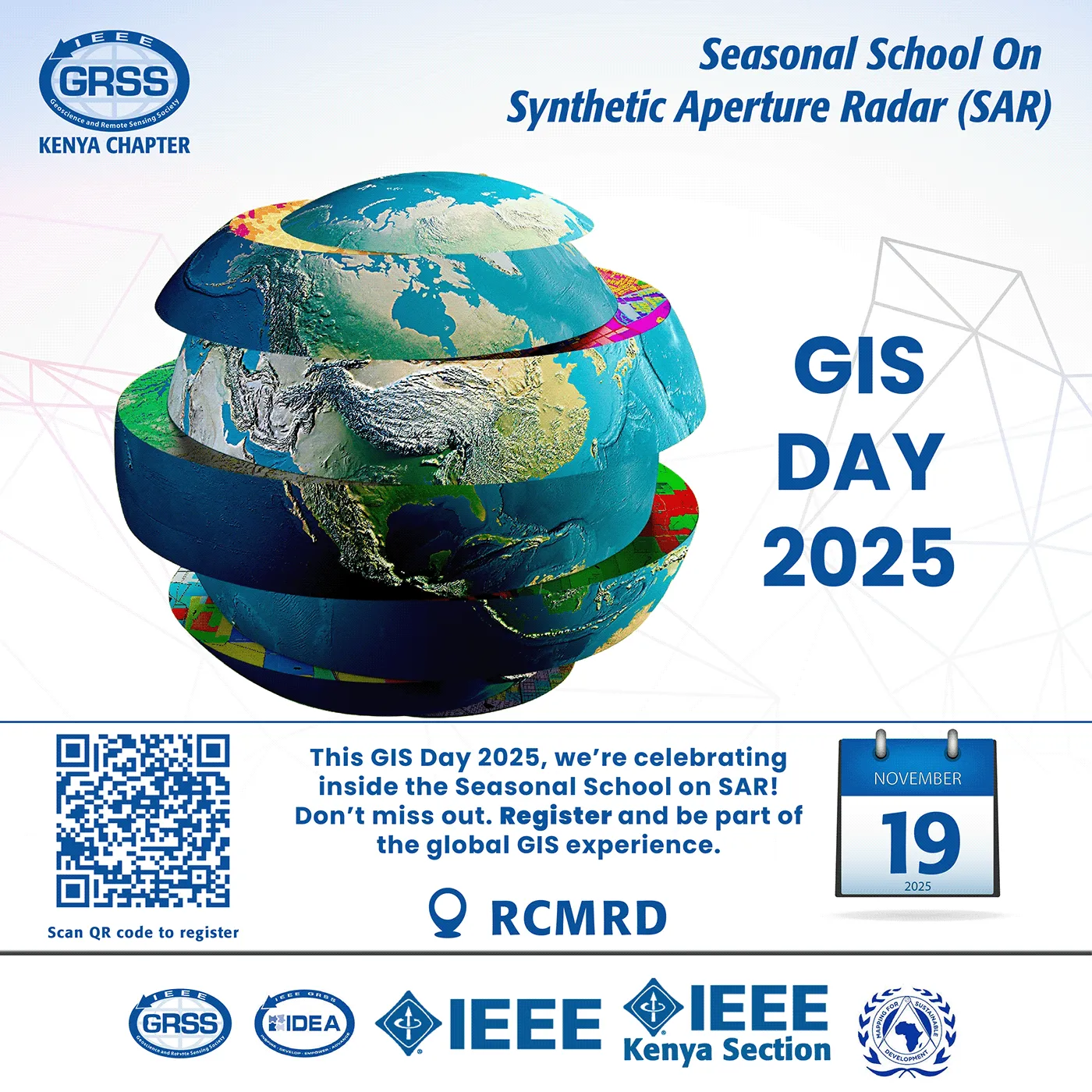
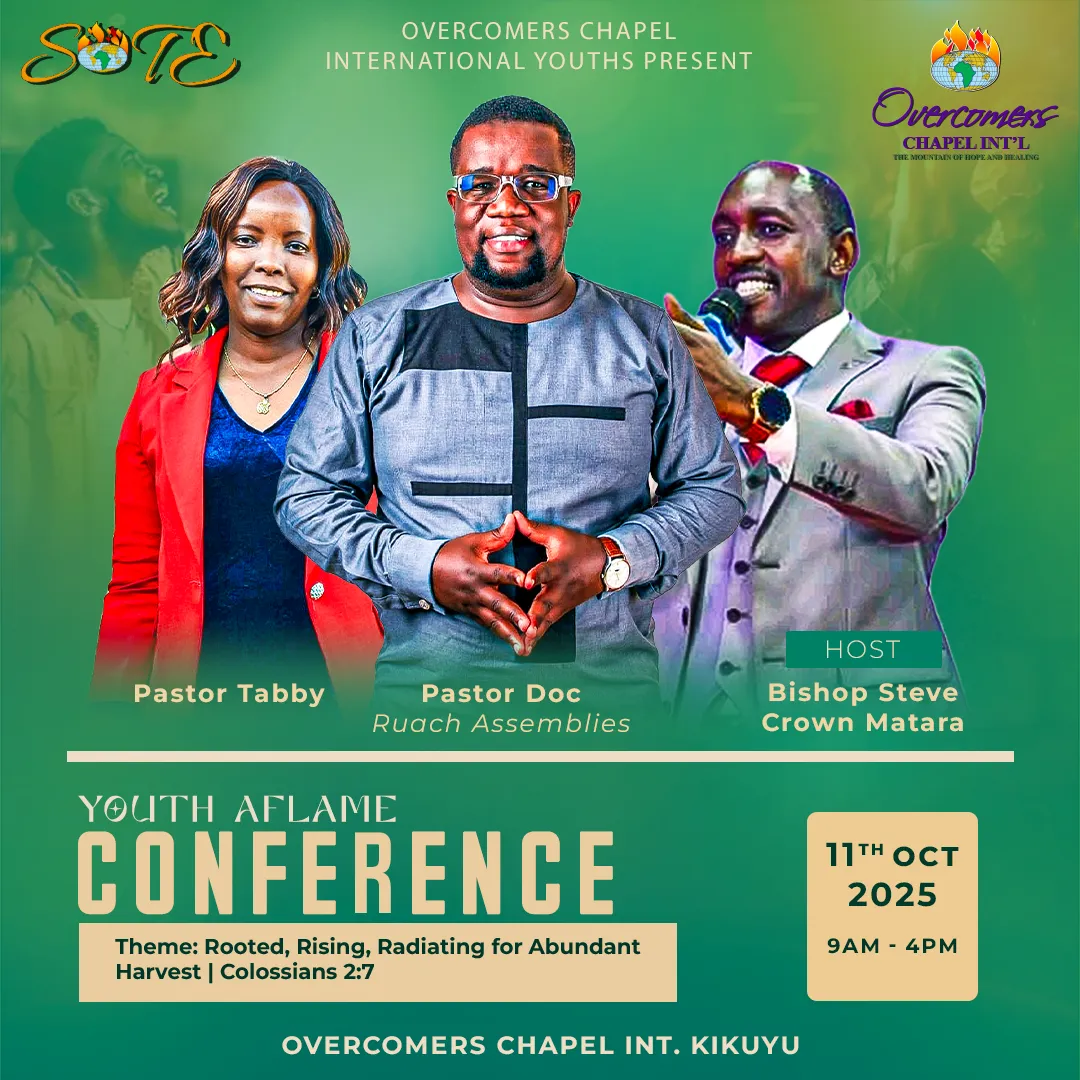
Frequently Asked Questions
How can I reduce the workload on my graphic designer?
Plan a month ahead, use templates for routine posts, batch requests into weekly or monthly sets, send complete briefs and limit revision rounds.
Should designers use AI tools?
AI is useful for speeding up tasks such as background removal, resizing, ideas and drafts. It doesn't replace brand judgement, layout skill or knowing your audience, and generated images should be checked carefully.
How do I keep my brand consistent when several people post?
Use shared templates, a one-page brand guide with logo, colours, fonts and do's and don'ts, and have one person approve posts before they go live.
Keep Reading
How to Brief a Graphic Designer for Your Social Media Campaign
A simple brief template for social media campaigns, plus the skills your graphic designer should have for social media posts.
Answers 3 questions
Why Design Quality Matters More Than Posting Frequency on Social Media
How graphic design affects social media engagement, why quality beats volume, and the real long-term cost of ignoring professional design for your brand.
Answers 4 questions
DIY vs Professional Social Media Graphics: When Should You Hire a Designer?
Do small businesses really need professional graphic design for social media? A decision guide to DIY with Canva vs hiring a professional, and what makes professional graphics different.
Answers 5 questions